
DANAOS ERP: User Experience — User Interface — User Interaction
November 24, 2023

Designing an ERP interface is a challenge.
DANAOS ERP Offerings:
- DANAOS Web Enterprise Suite for Maritime Shipping (#MarTech) and
- DANAOS ProjectVIEW ERP for Construction (#ConTech)
Are designed bottom-up to tackle the challenges of Shipowners, Ship managers, Contractors, and Engineers, onboard and ashore, site and office.
As Industry-specific Suites, they encompass the full spectrum of operations by digitizing processes and turning data into info, tackling challenges in:
- efficiency
- performance
- compliance
- productivity and
- decarbonization
Enterprise-grade systems as such, are challenging to design in terms of seeking balance between providing features and functionalities on on hand, and maintaining an appealing, user-friendly Interface (UI) and effective User Experience (UE), on the other.
DANAOS Design for Modern Web
Within the process of transforming legacy applications to the new Modifiable-Of-The-Shelf DANAOS WEB FRAMEWORK, our R&D Team led by our Deputy Director, Mr. Noel Koutlis, has prioritized the following:
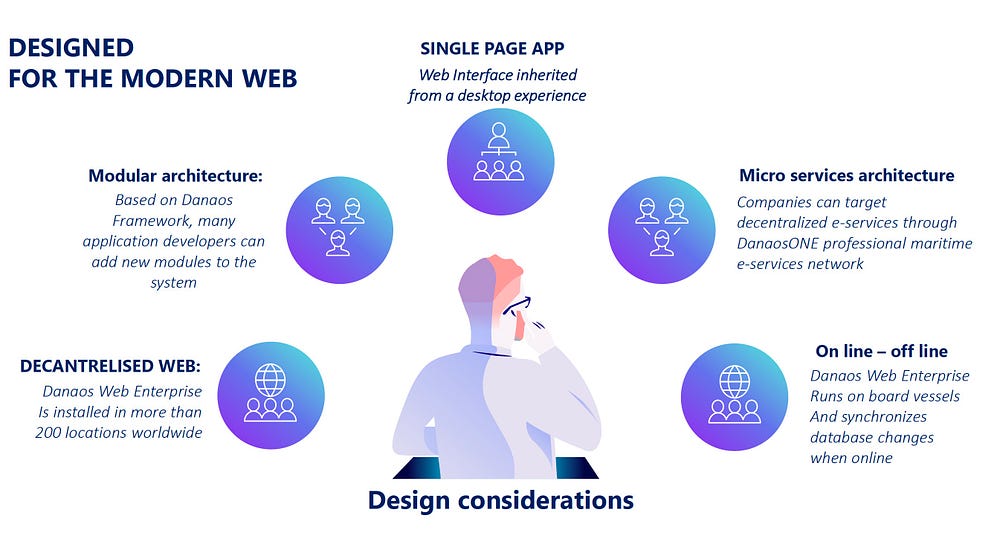
1. Business Continuity
Smooth transition to the NEW Web interface inheriting functionalities from the old DANAOS Desktop by maintaining an interchangeable look & feel to facilitate “parallel running” during the phase-out period and shorten the Users’ onboarding and training time
2. Modular Architecture
A personalized menu structure where Users will get staged access (on-demand) to specific selections and modules while maintaining a homogeneous/universal User Experience
3. Offline and Online Availability
Considering the peculiarities of working remotely where broadband internet connectivity is not always a given (ocean-going vessels, remote site locations), the NEW Web Framework should contemplate and facilitate online and offline operations (batch update — synchronization).
4. Scalability — Extensibility — Security
Available on-prem and on-cloud, the NEW Web Framework should be agile enough to provide operating elasticity by optimizing IT resources with system performance while assuring security and access control.
Critical Considerations and Challenges
- DANAOS Desktop Edition runs on the Windows desktop (PC Workstation) operating system with a legacy interface onboard, site, and offices.
- 35+ years of design improvements and new customizations have created a cluttered interface, and Users, as industry experts, demand “everything on one screen.”
- Present-day Users are accustomed to modern web apps where design principles differ from enterprise-grade software UI/UX guidelines.
- More than 75% of today’s professional computer usage is through browsers, with the rest going through mobile device browsers and native apps.
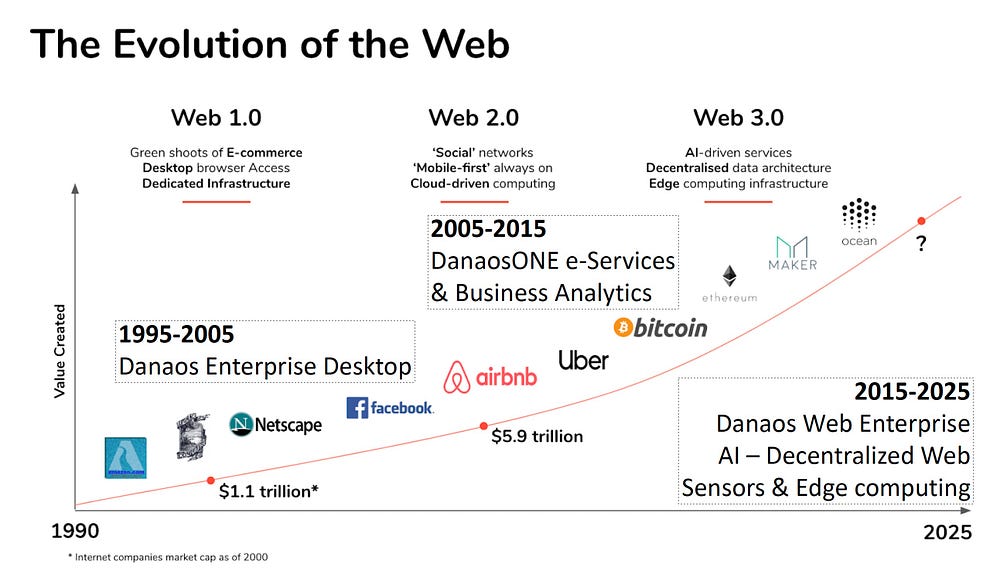
Redesigning and redeveloping the NEW DANAOS WEB Framework, among other principles, we cherished the feedback from our Clients as collected during our bi-annual User Meetings and further refined from issues collected by our Support Departments and subject-matter experts.

Below is the list of conceptual principles and functionalities that have been implemented in our NEW DANAOS WEB Framework:
User Interface Goals
- Comprehensiveness
- Universality
- Simplicity
User Experience Goals
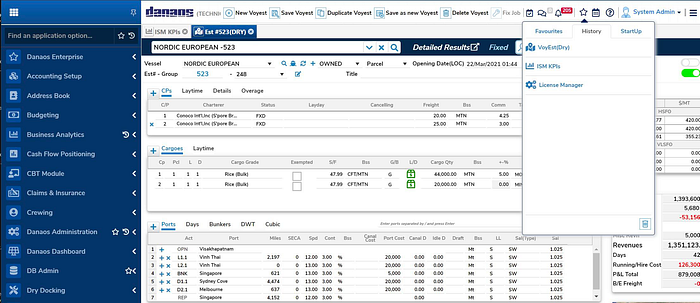
- Menu and Modules Organization
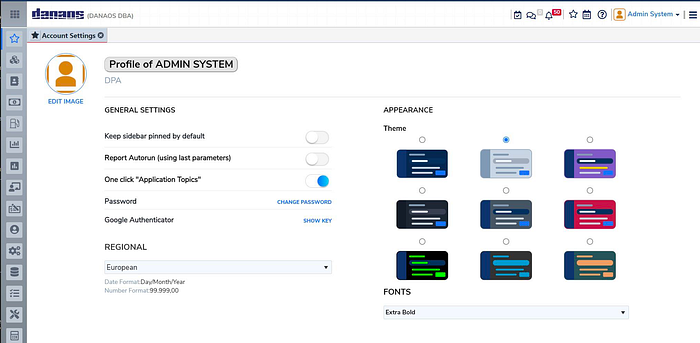
- User Profiling — Personalization
- Labeling and Localization
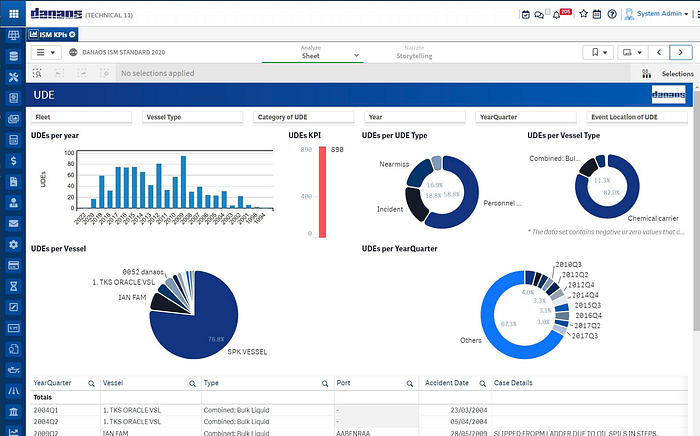
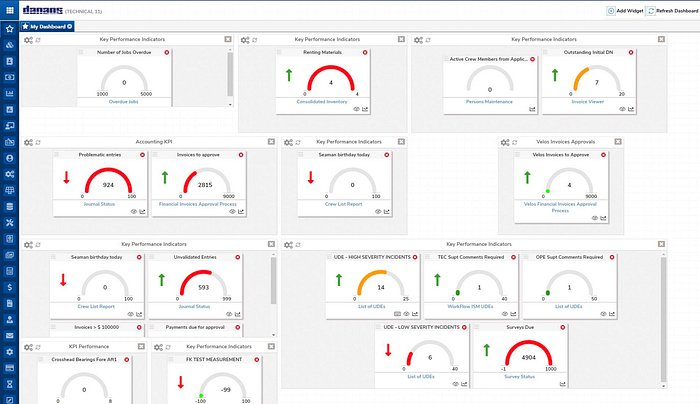
- Graphical Visualizations
- On-demand Reporting
- Any device, anywhere, accessibility
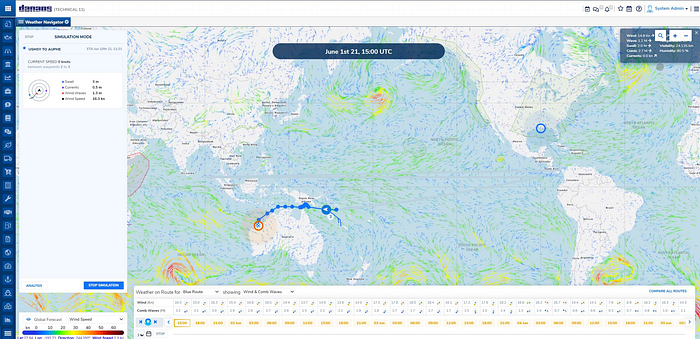
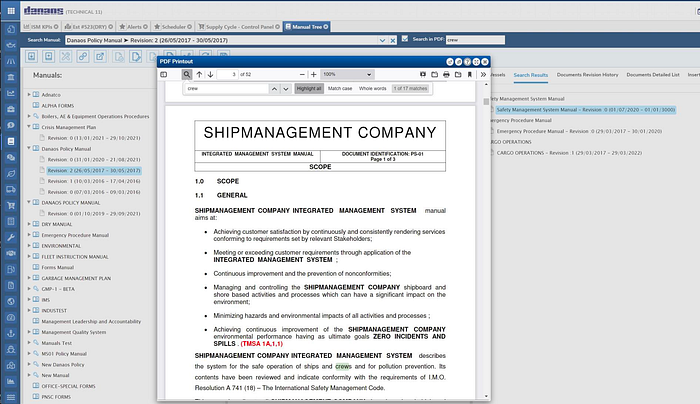
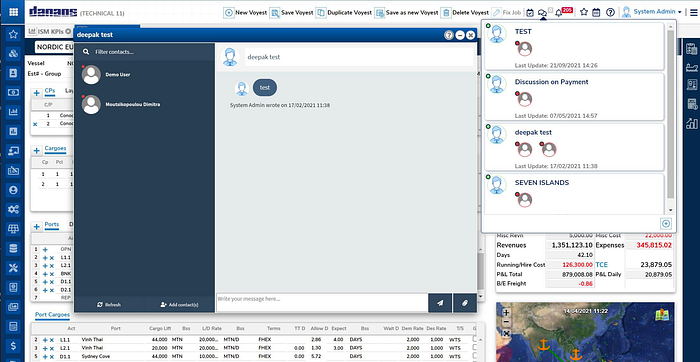
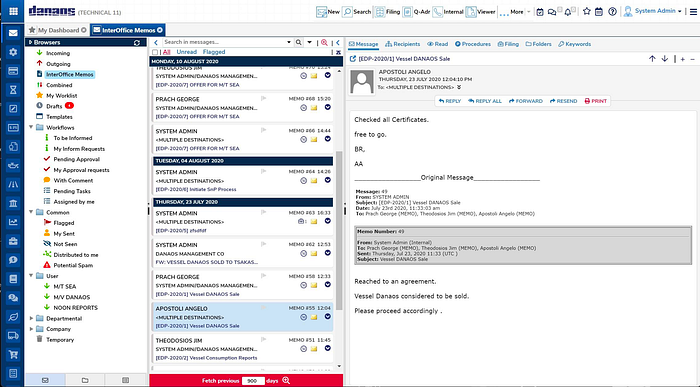
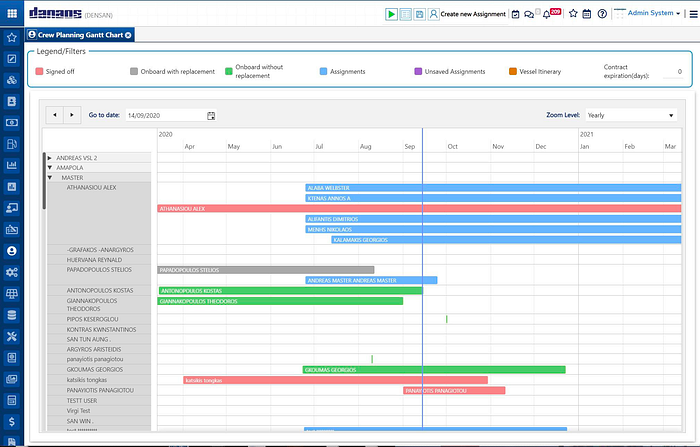
DANAOS WEB Enterprise Screenshots
For more information, please visit:


0 Comments